Big ideas.
Little assets.
Endless play.
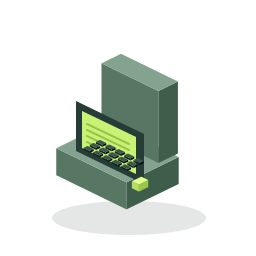
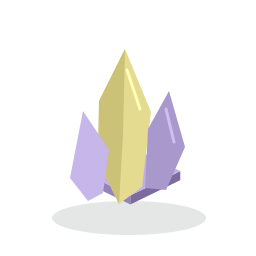
Your free workbench for 2D game art. Explore 36 original examples, customize your favorites, and export something you can use. No account required for the local builder or downloads.

Pick your kind of creative.
From “what if” to a file you can use.
Take the route that suits your idea.
Start with a little something.
Pick a prop. Mix layers, swap colors, and find a look that feels like your game.
Open the builder ↗02 / UPLOADYour image. A new possibility.
Bring your own PNG, JPG or WebP. Resize, pixelate, or remove a flat background color.
Bring an image ↗03 / IMAGINE BRIEF BUILDERGive your idea a direction.
Turn a description into a clear art brief you can copy into your image tool. An optional AI pilot is available to the owner after setup.
Make an art brief ↗Meet your starting lineup.

 A NEW LOOK
IN A FEW CLICKS.
A matching set.
A world that feels
like yours.
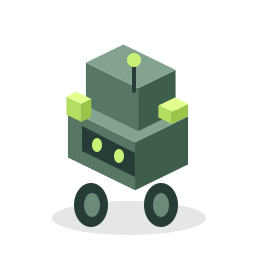
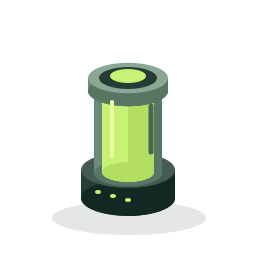
Use one palette across the whole collection. Export an individual transparent PNG or a neatly arranged sheet of all 36 props, with frame coordinates included.
Find your palette ↗These are static 2D illustrations. Review scale and placement in your game engine; animations and engine project files are not included.
Small details.
Clearly explained.
Is the builder free to use?
The local builder, image preparation, original templates and exports are free and require no account or generation credits. Optional AI uses a capped owner-only pilot; there is no subscription or checkout in this version.
Can I use the included props in my game?
Yes. The 36 included original props can be used and modified in personal or commercial games. Attribution is appreciated, not required. Please see asset usage for the distinction between using assets in a game and reselling the standalone pack.
Will an uploaded picture become a new drawing?
Image preparation can resize, pixelate and remove pixels close to a selected flat color. It does not intelligently redraw a photo, remove complex backgrounds or create unseen views. Optional AI redrawing requires the owner to enable and verify the generation service.
Where do my projects go?
Save up to eight projects in this browser. Saves include edited image layers and don’t sync between devices. Download a project file for a portable backup. Clearing browser data removes local saves.